Layout and placement
There are hundreds of ways to design and customize your garments but to really make them look great, we recommend you follow the below guidelines.
Chest decorations
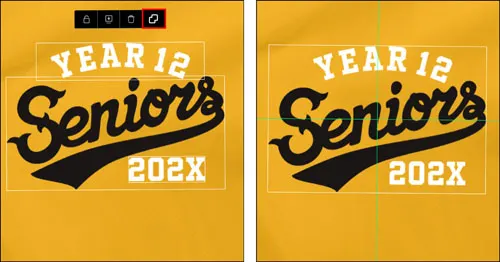
Chest decorations typically look best if all elements are centered within the decoration area. We recommend using the Grouping and Centering technique (which can be used anywhere):
Select all the elements by clicking and dragging over the elements.
Select the “Group” toolbar icon.
Click and drag the grouped elements until the green positioning bars display, which indicate horizontal and vertical centering.
The elements can be ungrouped there after to continue editing each individual element.
For crests and logos we recommend a maximum height of 9cm, not including supplementary text.
Back decorations
Decorations on the back of a garment usually look best when the top of the design starts roughly in the middle of the shoulder blade region, and should typically be centered.
To center the decoration, follow the guidance suggested in Chest Decorations above regarding Grouping and Centering.
Large decorations
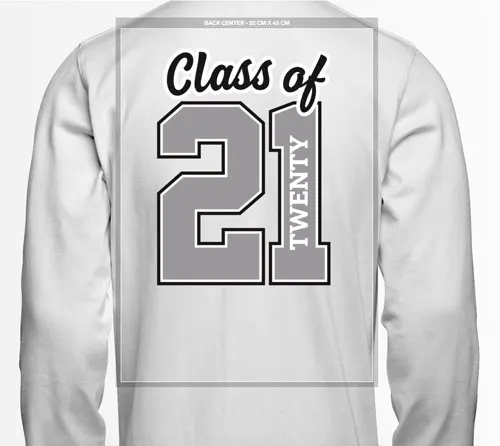
We recommend for a large design that the whole design sits approximately 3cm from the top of the decoration space. This ensures your design looks great across all sizes and will not be too far down the middle of the back.
Medium/small designs
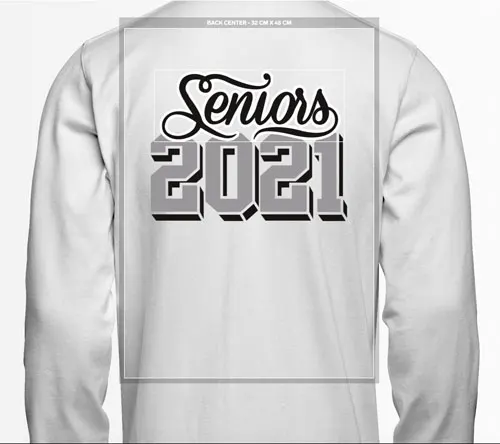
To create more balance on the back of the garment so it doesn’t look “top-heavy,” shorter decorations should be positioned approximately 6cm from the top of the decoration area. Anything lower can look unusual if the decoration starts below the sleeves.
Exceptions for patterned garments
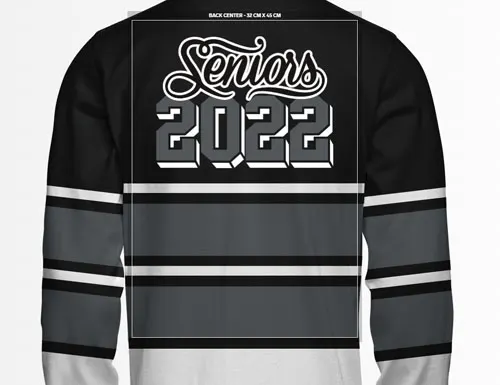
The general placement guidelines for large back decorations outlined above do not necessarily apply in the case of patterns such as with our Rugby Jerseys. In that case, it may look aesthetically better to avoid overlap with stripes.
Note: You are able to overlap stripes, though ensure your decoration is still going to stand out by avoiding using the same color on the edge where there is overlap. A thick outline with a contrasting color added to your text or graphic is a great option here to ensure your text/graphics continue to stand out.
Personalization placement with custom names/numbers
All personalization applied via custom names or numbers have clearance requirements.
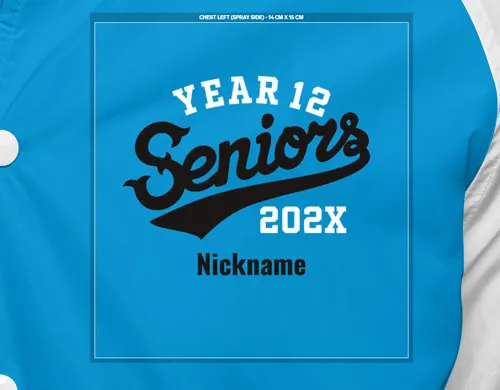
For small custom names/numbers (applies for all small chest positions):
At least 0.5cm clearance above/below from any other design element.
No design elements at all left/right of the custom name/number.
For large custom names/numbers:
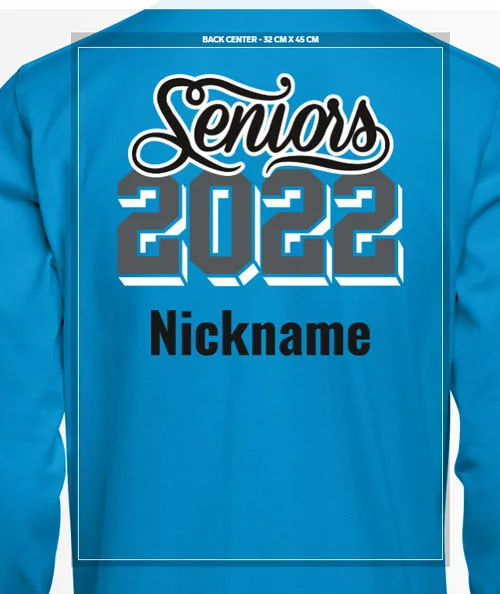
At least 2cm clearance above/below from any other design element.
No design elements at all left/right of the custom name/number.
We often receive requests for a custom name or number to overlap other design elements but there are a number of reasons these requirements exist:
Personalization is usually produced separately and last compared to other decorations. This ensures that we can maintain quality of decorations across the size ranges and then finalize with an individual's personalized name/number.
Placing the custom name/number in the right spot requires care and accuracy, and in some cases clearance space for machinery to complete the personalization. As such, clearance space around the personalized element is required.
Custom names can be different lengths for each individual so to ensure readability for any individual's custom name, this space needs to be kept clear.
For more information about adding and designing with personalization.
Cuff decorations
Cuff decorations can be a little confusing because of the way the product images have been photographed.
In order for the decoration to run horizontally along the cuff seam when manufactured you need to ensure the the decoration remains straight and centred in the decoration box.
The decoration will be positioned across the wrist bone approximately 3-4cm above the cuff seam.


Decoration space edges
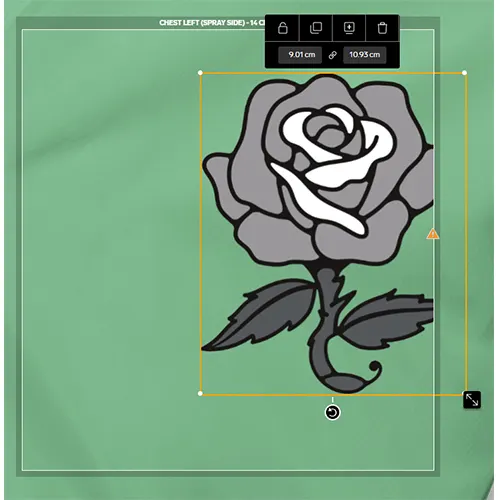
Any part of graphics or text that extends beyond the decoration area will display a warning while you are designing. Any elements that display this warning will be cut off during production.
For this reason, please ensure that all elements are within the decoration space and that no decoration area errors are displayed.
Note: In some cases your design elements bounding box may exceed the decoration space. However, as long as your actual text/graphic does not exceed the space, your design will be intact.