
Upload logo/graphics
Add a logo/graphic to your design
While editing a design in the Design Lab:
Click on the DESIGNS menu.
Choose the location to upload to, e.g. Chest Right.
Click UPLOAD.
'Drag and drop' or 'Browse' for your file.
Please wait a moment while your file uploads, and following a successful upload your file will appear in the RECENT FILES section.
CLICK on your selected thumbnail graphic to add it to the selected decoration space.
By uploading to https://www.reformclothing.com you confirm that your graphic files do not infringe any laws or third-party rights like copyright, trademark, or personality rights. For more information on your obligations for uploading licensed/copyright artwork, please see Authority to use and reproduce logos/graphics below.
For crests and logos we recommend a maximum height of 9cm, not including supplementary text.
Logo/graphic guidelines
The following are provided as a guide for preparing your logo/graphic for upload.
Our design team reviews every order that is submitted and if we discover any issues, we'll work with you to resolve them before moving your order to production.
If you have any questions, feel free to reach out to our team via the contact us form. If you have a saved design, send us the link as well so we can take a look and provide assistance.
Colours
Logo/graphic contains a maximum of 8 solid colours (no gradients or blends). The Design Lab may reduce similar colours automatically to help meet this requirement. Colours will be changed to match our closest available colours during the upload/add process. To understand this process more, see FAQ: “Why are my colours changing?”
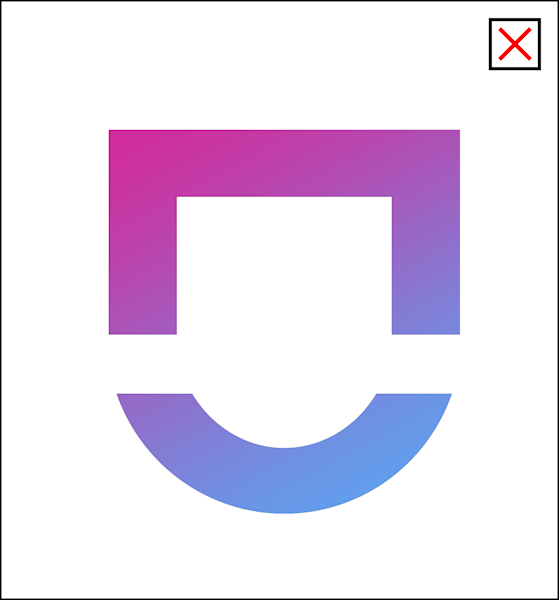
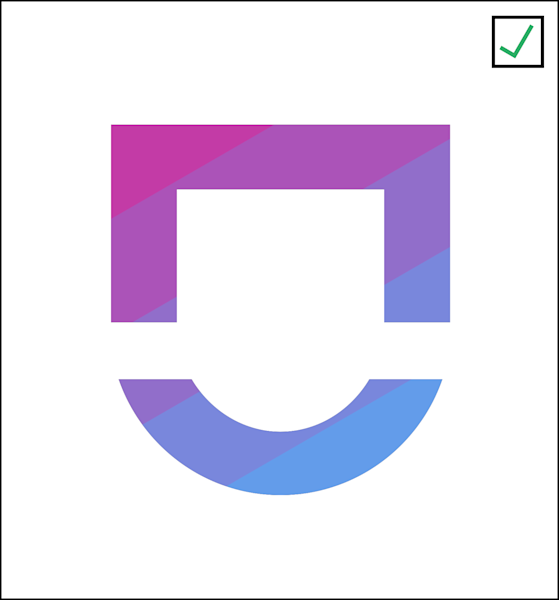
A gradient is used which cannot be supported in embroidary. Graphic is reworked to 5 solid colours to achieve a gradient effect in embroidary.
Note: These guidelines are suggested for all application types. However, on special requests Reform can accommodate more complex images provided you are applying these to sublimated fabrics. To discuss or for more information, contact us.
Simple shapes & details
Avoid overly-complex designs or designs with fine details.
Your logo/graphic must use flat/solid colours for all shapes and text.
We are unable to support photography, fine lines, or small thin text.
All details - including borders or linework - must be at least 2mm.
If your detail and linework are below minimum, you will be contacted to revise your logo/graphic before your order can proceed to production.
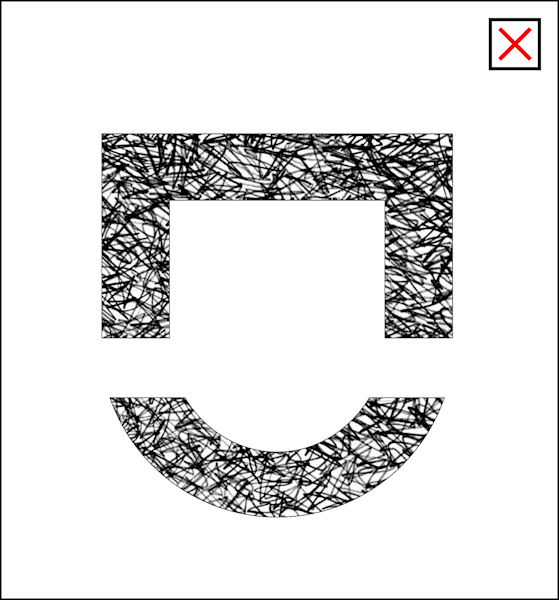
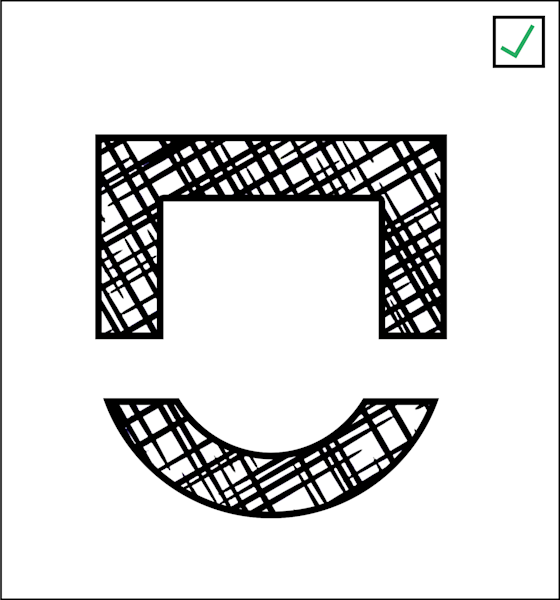
Pattern includes lots of thin lines using shades of black and thin borders which cannot be achieved in embroidery. Graphic is reworked to capture the essenece of the pattern with all linework at least 2mm thick at the intended scale using only solid black and white.
Note: These guidelines are suggested for all application types. However, on special requests, Reform can accommodate more complex images provided you are applying these to sublimated fabrics. To discuss or for more information, contact us.
Image format & quality
Your logo/graphic should be high resolution, with a suggested 300 DPI (dots per inch) at the intended decoration size, a maximum of 3000px in width/height, and saved in PNG or PDF format. No pixelation should be visible. Resolution errors will display in the Design Lab where your graphic does not meet resolution requirements. You can resolve this by uploading a higher-resolution image or scaling your image down.
Image is not 300 DPI at the scale intended and so has become pixelated. This graphic cannot be produced. Where no other graphic is available at a higher resolution external design services may be required to vectorise your graphic. Image is imported at a higher resolution (ideally 300DPI) or scaled down to meet resolution requirements where no errors display and the graphic is crisp and clear with no pixelation.
Transparency
For best results. we suggest to save your graphic/logo in PNG or PDF format with a transparent background.
If you only have a JPG file available, ensure backgrounds are removed during the upload process using the 'Remove background' feature. Please be aware that if your logo/graphic has any elements within it that are the same colour as the background, they would also be removed and not embroidered/printed. If you are having trouble with background removal or unable to obtain a PNG/PDF format, please contact us.
Image saved as a JPG and background is not removed. In this case all white will be printed/embroidered. Image is saved as PNG/PDF with a transparent background which preserves only the intended white areas to be embroidered.
Fonts/Text sizes
Embroidery/Badges
Minimum of 5mm for lowercase or uppercase letters.
Sublimation/Heat transfer
Minimum of 2mm for lowercase or uppercase letters.
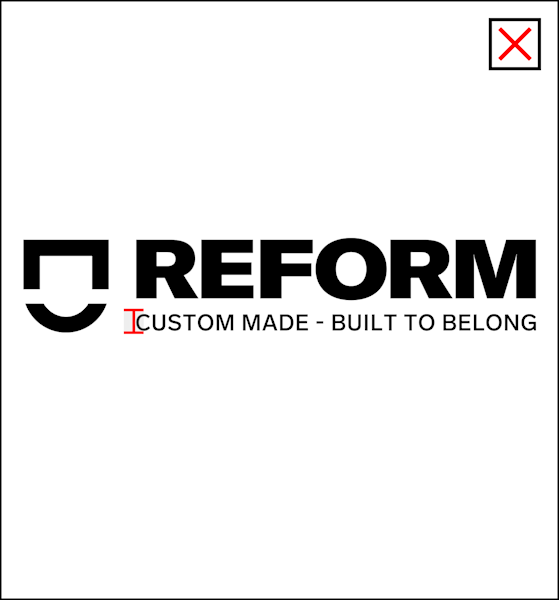
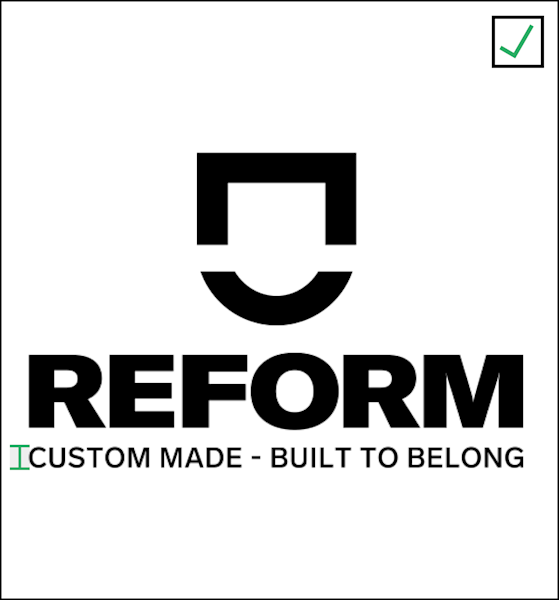
The tagline in the logo does not meet size requirements being just a little short of the minimum size. Secondary logo is used instead where the tagline is able to be scaled to meet minimum size requirements.
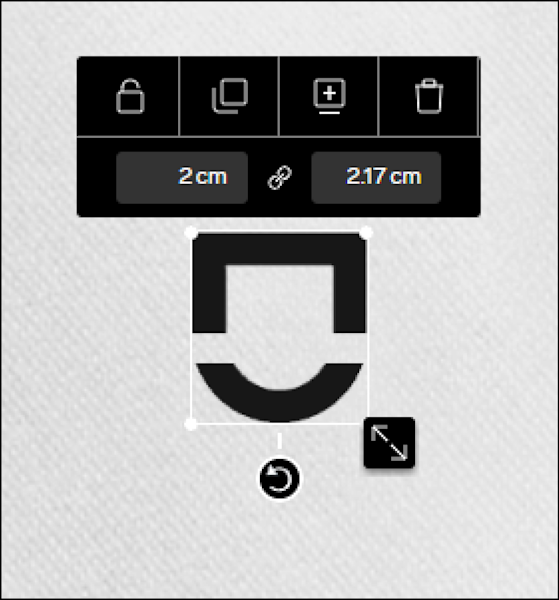
Tip: To check font height in the Design Lab, add a graphic such as a “Square” from the Artwork gallery and size it to the minimum size specified in embroidery or sublimation requirements above to ensure your text is sufficiently sized. See the example in this video below.
Outlines
Outlines on graphics and text have additional requirements. For example, small text does not support outlines. The text must be at least 1cm for all characters before an outline may be applied.
We suggest utilising outline functionality within our Design Lab on graphics and text to ensure sizing meets the above 'Simple shapes & details' requirements.
If outline details are too small, you will be notified following order submission and we will work with you to revise your logo/graphic. To discuss or for more information, contact us.
Size and cropping
Logos/graphics should be cropped to edges of image so that dimensions and placement can be easily set and visualised in the Design Lab.
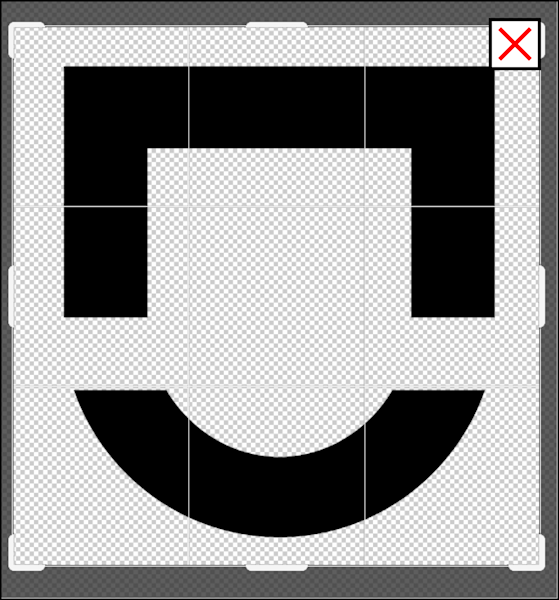
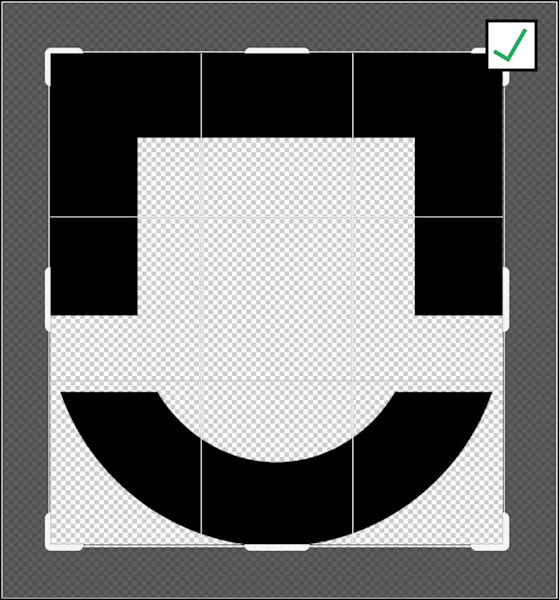
Graphic has not been cropped to edges. Graphic has been cropped to edges. With graphic cropped to edges the measurement sizes in the Design Lab is accurate.
Restrictions
Objectionable content
As per Reform Clothing's Terms and Conditions in using the Design Lab file upload function, you must not upload images or submit text of content that most users would find to be offensive, upsetting, or inappropriate.
Some examples of objectionable content include: defamatory commentary and hate speech about religion, gender, race, and other targeted groups, overly-sexual material of an explicit nature, portrayals of extreme violence or content that encourages violence, bullying and harassment, and Illegal activities such as drug use.
Discovery or reports of uploaded files of this nature will result in deletion of your designs and a permanent ban of your account.
Authority to use and reproduce logos/graphics
As per Reform Clothing's Terms and Conditions in using the Design Lab file upload function you must not include any text, images, designs, trademarks, service marks, or any copyrighted works of any third-party in your products unless you have obtained the appropriate authorisations from the owners. Where third-party logos/graphics are used that do not belong to you or your place of work, Reform may require proof of authorisation from the third-party owner. Reform may make a request to verify approval has been granted and failure to validate will result in the cancellation of your order. Reform will not accept orders where variations are made to designs, trademarks, copyrighted work to attempt to overcome infringement. Attempting to design or place orders violating copyright law may result in cancellation and deletion of your account and designs. If you want to get authority to use a logo/graphic, see FAQ: “How do I get authority to use a logo/graphic?".
First Nations designs and artwork
As First Nations stories are passed down through generations via artwork, we do not want to use symbols or art without meaning or context as they devalue and disrespect the proper cultural meanings. Once you have created and shown the designs to your First Nations community member, we require written approval from them, as well as your school principal (if applicable), to confirm that the design will not disrespect the community.
Download the approval form (.docx)
Popular questions